Change hats,
not apps.
Run a business on your own and you’re the planner, the maker, the project lead and the money person before lunch. WonderHats gives every hat its own place, so you can put on the one you need and pick up where it left off.
On your laptop and your phone. No setup, no training.
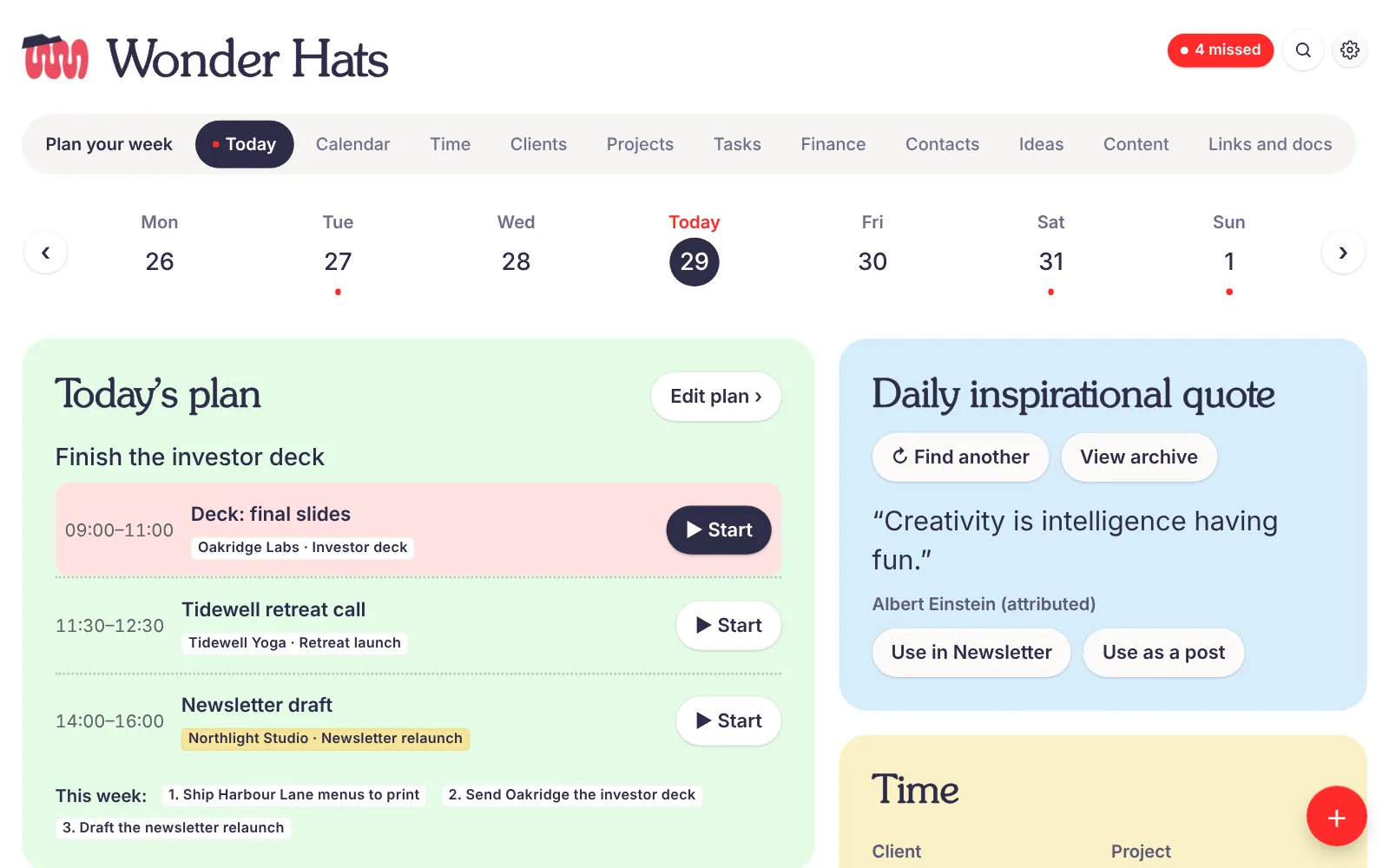

Which hat are you wearing right now?
Each hat is a page built for one job. Tap a hat and the whole workspace changes with it. Your other hats wait exactly where you left them.
Client, then project, then task. That’s the whole system.
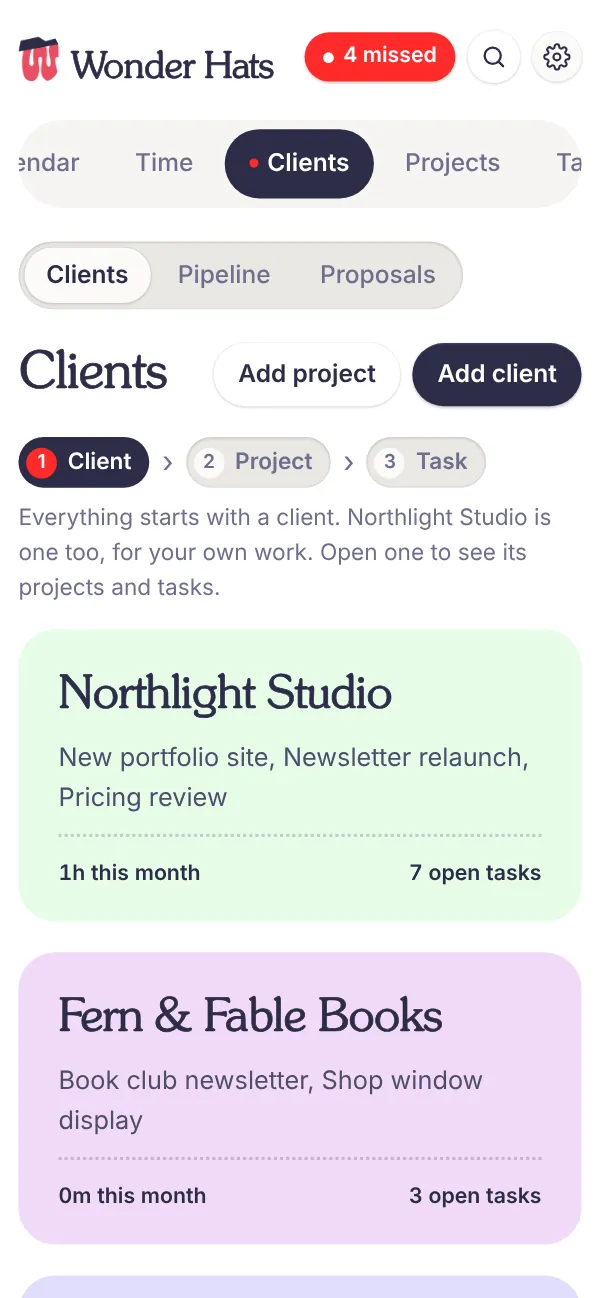
Everything you do belongs to a client, and your own business counts as one. Clients have projects, and projects have tasks. Click through it below. Tick a task and watch the project move.
Your own work counts too
Your portfolio, your newsletter, your pricing review. They sit under your business, right next to client work.
Loose tasks have a home
A quick call that isn’t part of any project goes in that client’s General list, so nothing floats about unfiled.
One timeline over the lot
Every project sits on one timeline, coloured by what to do first, next or later, with a goal for each month.
Only wear the hats that fit.
A coach, a florist and a consultant don’t run their days the same way. Switch a hat off and it leaves your menu. Its data stays put, ready for the day you need it again.
Mid-hat thought? Type it the way you’d say it.
Press N anywhere, or tap the red button on your phone. WonderHats picks out the day, the time, how urgent it is and which client it’s for, then files it under the right hat.
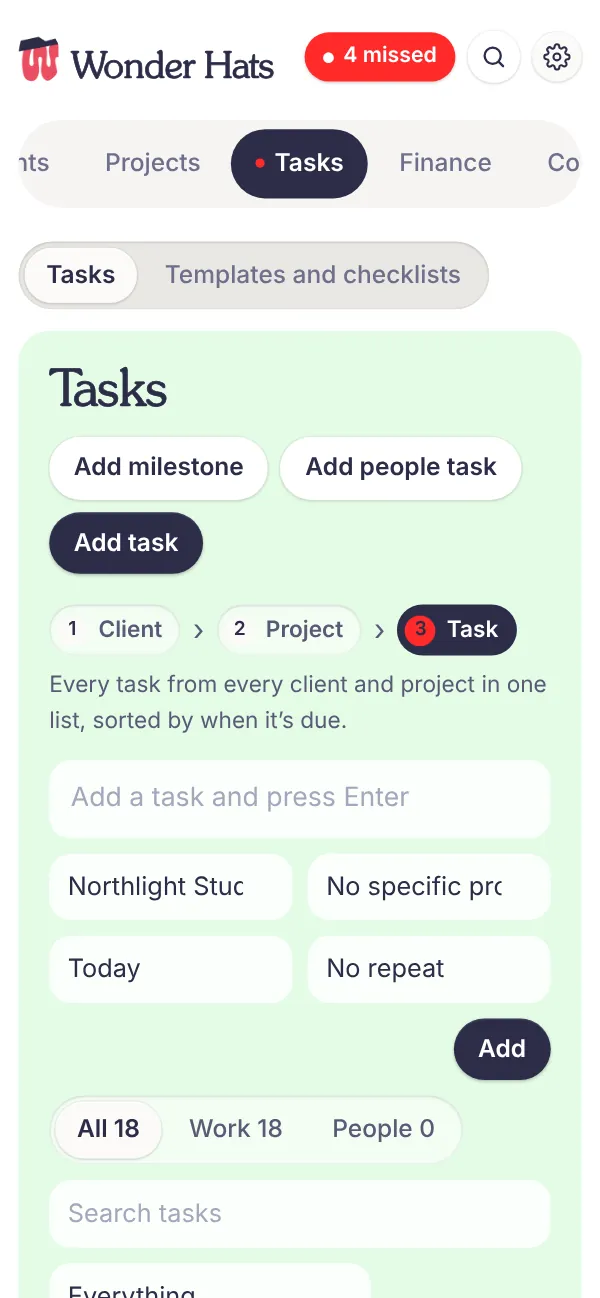
Every hat fits in your pocket.
The same hats, the same data, laid out for your thumb. Plan the week on the train and tick off a post in the queue for coffee. Hover a phone to pause it.


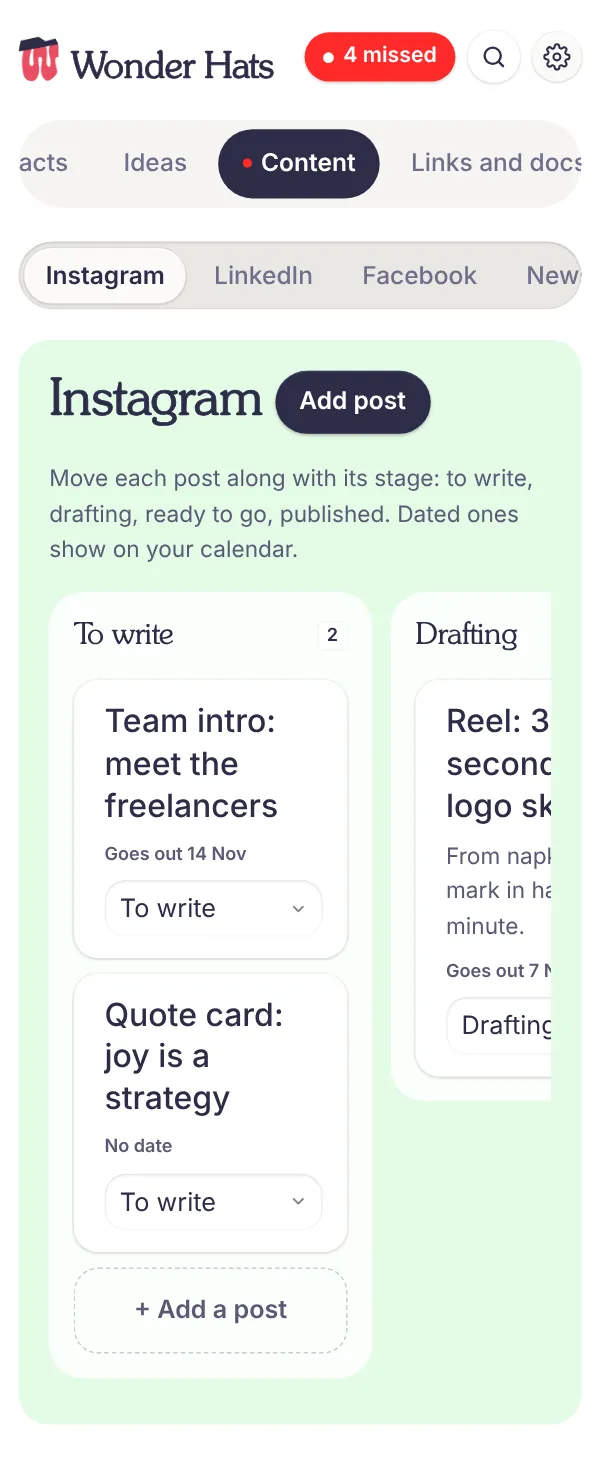
Drop in your brand guidelines. The hats change colour.
Upload your guidelines as a PDF or JPEG. WonderHats picks out your colours, your typefaces and your logo, shows you what it found, and changes only those three things.
Want a hat that isn’t on the rack? Ask for it.
WonderHats is built in Claude, so your copy isn’t fixed. Describe the change in plain English and Claude makes it: a new page, a different layout, your own words for things. We’ll make your first change together on your onboarding call.
- A florist asksAdd a page for weddings with the date, venue and flower order for each one.
- A coach asksCall them clients, not customers, and show each one’s next session on Today.
- A photographer asksAdd a “shoot day” checklist I can reuse for every booking.
Free for the first people who try it on.
I’m opening WonderHats to a small group of solo business owners before anyone else. You get it free. I get your honest feedback. Together we make it the tool you’d actually choose.
Places are limited so I can talk to everyone properly.
- Free during the betaEvery hat and every feature, at no cost.
- Your own copySet up with you on an onboarding call, with your name, logo and colours, and yours to change.
- A direct lineTell me what’s missing or annoying, and see it change.
- What I askUse it for real for a few weeks, then tell me honestly how it went.
Before you ask.
Who is WonderHats for?
Anyone who runs a business on their own: designers, coaches, consultants, photographers, makers, therapists, tradespeople. If you are the sales team, the project manager and the finance department, it’s for you.
What exactly is a hat?
A hat is one of the jobs you do: planning, doing, client care, projects, time, money, marketing. Each one is its own page in WonderHats, with the tools for that job and nothing else.
What if I only need a few hats?
Switch the rest off in Settings. They disappear from your menu and keep their data, so you can switch them back on whenever you like.
Does it work on my phone?
Yes. Every hat works on a phone, with a quick-add button for capturing tasks on the move. Your laptop and phone show the same information.
What do I need to use it?
A Claude account. WonderHats runs inside Claude, which is how your copy can save your work and how you can ask for changes. We’ll set up your copy together on a short onboarding call.
Can I change how it works?
Yes, any way you like. Tell Claude what you want in plain English, such as a new page, a different field or a renamed hat, and it updates your copy. It’s yours to shape.
Can it look like my business?
Yes. Rename the workspace, add your logo, or upload your brand guidelines and WonderHats takes your colours and typefaces from them.
What does it cost after the beta?
Beta testers use it free. Pricing for everyone else isn’t set yet, and beta testers will hear about it first.